
When selling on Amazon, it is important to understand that before sending your Amazon parcels, you must ensure that the Amazon labels used with Amazon Shipping are accurately printed. This helps to avoid any delays or issues.
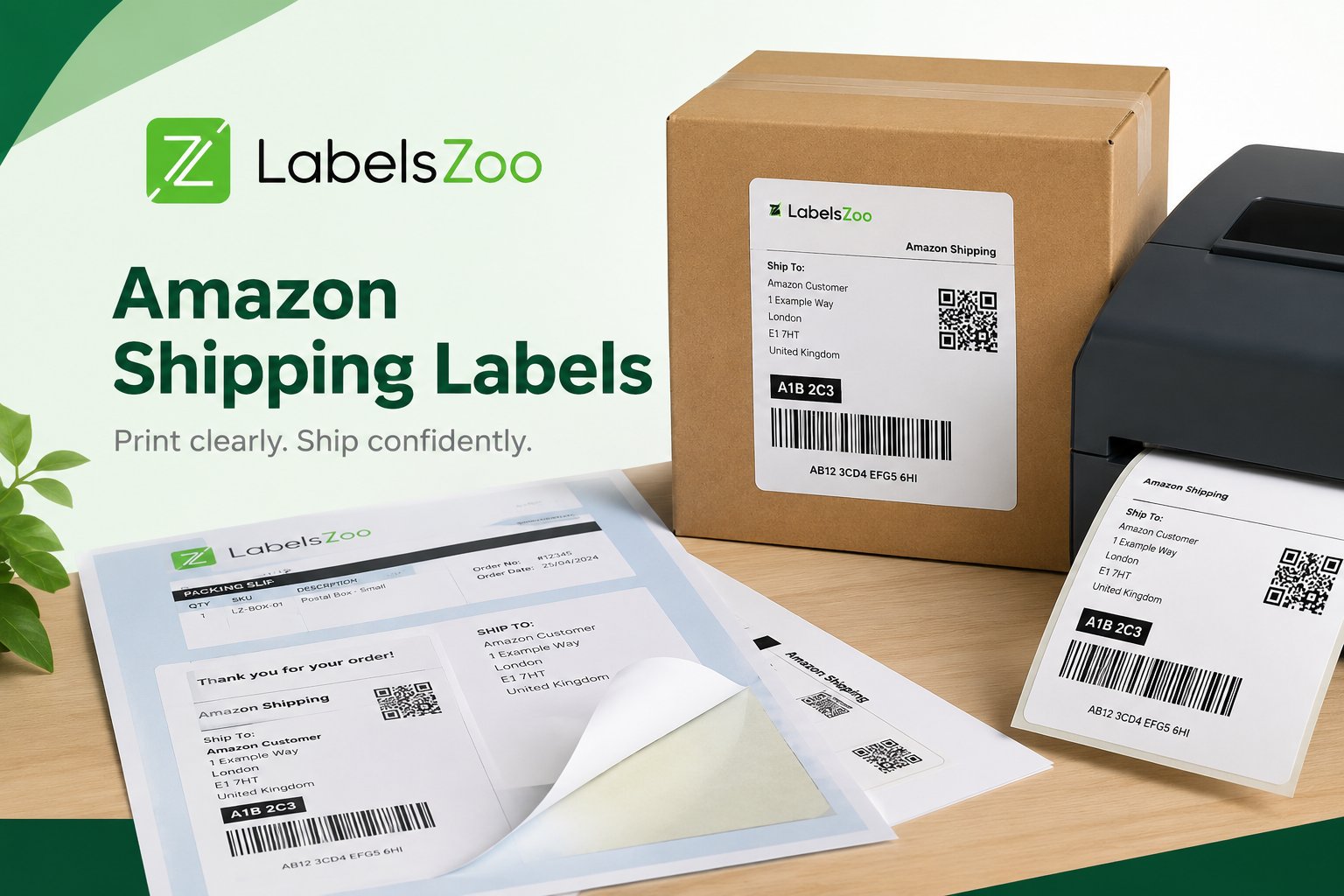
There are two different types of labels that Amazon accept, these are thermal labels, which require a thermal printer, and A4 integrated labels, which can be done on regular printers. Throughout this article, we will explain more about these two different labels.
Amazon Label Requirements
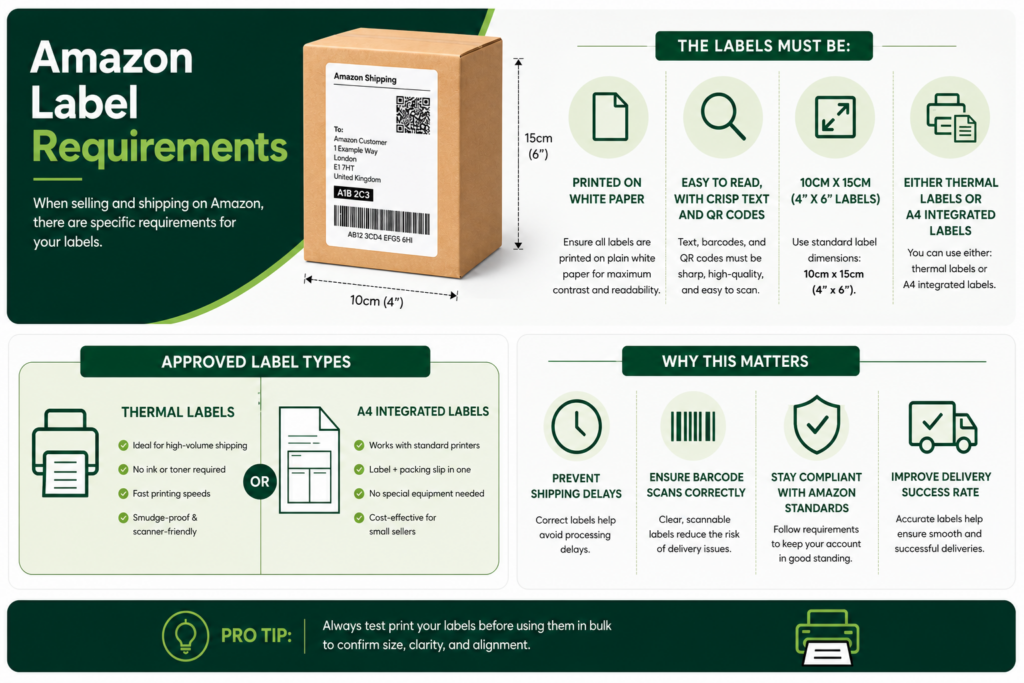
When selling and shipping on Amazon, there are specific requirements for your labels. The labels must be:
- Printed on white paper
- Easy to read, with crisp text and QR codes
- 10cm x 15cm (4” x 6” Labels)
- Either thermal labels or A4 integrated labels
Amazon Thermal Labels
Thermal labels are a very popular choice amongst most e-commerce retailers and businesses, not just Amazon. They are perfect for a higher volume of orders, and unlike standard labels, they require a special printer, a thermal printer.
Thermal printers use heat instead of normal ink or toner, and this heat produces the image on the labels, which removes the ongoing cost of ink cartridges whilst keeping a consistently sharp and smudge-free label, perfect for scanners to easily read.
These aren’t the only benefits of a thermal printer and thermal labels, though, as thermal printing is also faster with better efficiency, making it ideal for busy fulfilment environments where accuracy and speed are a must. Due to this, a lot of sellers choose thermal labels to streamline their packing process and reduce the risk of shipping errors.
Amazon A4 Integrated Labels
The other available labels for Amazon are the Amazon A4 Integrated Labels, which are a very flexible option for Amazon sellers who use standard printers, as they do not require the need of a thermal printer. These labels are very useful as the actual label is built into an A4 sheet, which allows you to print on both the packaging slip and the shipping label in one go.
Integrated labels are perfect for lower-volume sellers or businesses that don’t want to invest in a thermal printer, as they offer a simple and cost-effective solution using existing equipment. They may be a bit slower than thermal printers, but A4 integrated labels provide efficiency and convenience, helping sellers keep their fulfilment process simple and organised.
How To Test Print Amazon Labels
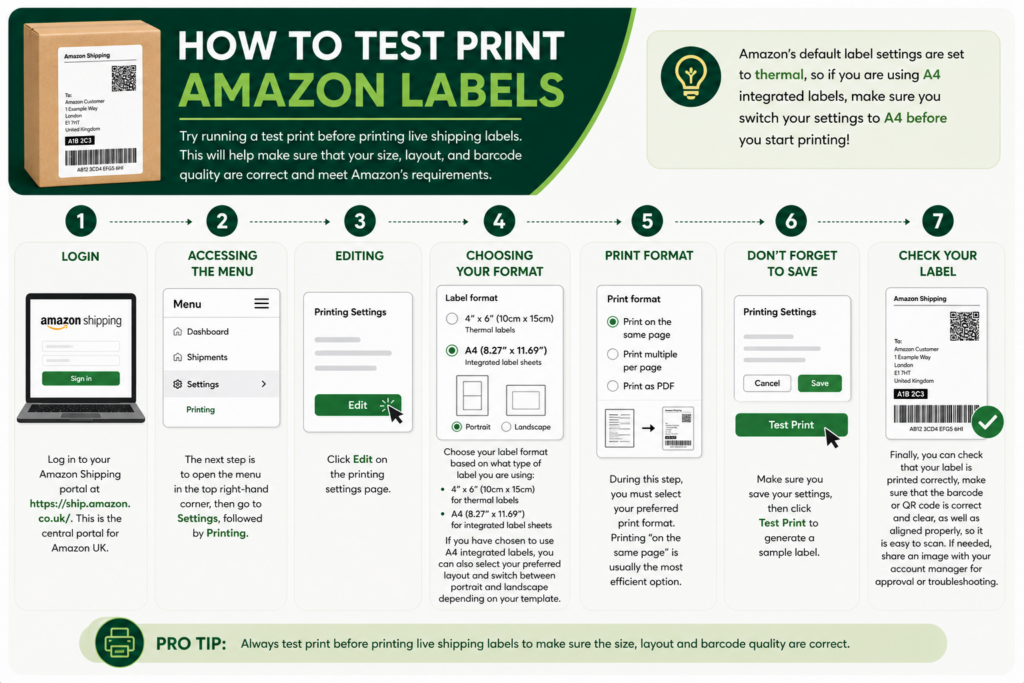
Try running a test print before printing live shipping labels. This will help make sure that your size, layout, and barcode quality are correct and meet Amazon’s requirements.
Amazon’s default label settings are set to thermal, so if you are using A4 integrated labels, make sure you switch your settings to A4 before you start printing!
Step 1: Login
Log in to your Amazon Shipping portal at https://ship.amazon.co.uk/. This is the central portal for Amazon UK.
Step 2: Accessing the menu
The next step is to open the menu in the top right-hand corner, then go to Settings, followed by Printing.
Step 3: Editing
Click Edit on the printing settings page.
Step 4: Choosing Your Format
Choose your label format based on what type of label you are using:
- 4” x 6” (10cm x 15cm) for thermal labels
- A4 (8.27” x 11.69”) for integrated label sheets
If you have chosen to use A4 integrated labels, you can also select your preferred layout and switch between portrait and landscape depending on your template.
Step 5: Print format
During this step, you must select your preferred print format. Printing “on the same page” is usually the most efficient option.
Step 6: Don’t forget to save
Make sure you save your settings, then click Test Print to generate a sample label.
Step 7: Check your label
Finally, you can check that your label is printed correctly, make sure that the barcode or QR code is correct and clear, as well as aligned properly, so it is easy to scan. If needed, share an image with your account manager for approval or troubleshooting.
Conclusion
In summary, choosing the right shipping label format for your Amazon orders depends on the scale of your operation and the tools you already have. Thermal labels offer speed, efficiency, and long-term cost savings for high-volume sellers, while A4 integrated labels provide a flexible, accessible option for those using standard printers or handling lower order volumes.
Whichever option you choose, ensuring your labels meet Amazon’s requirements and taking time to test your print settings will help you avoid costly delays, scanning issues, and fulfilment errors. By getting your labelling process right from the start, you can keep your operations running smoothly and deliver a better experience for your customers.
02/10/2026
What Printer Doesn’t Need Ink?
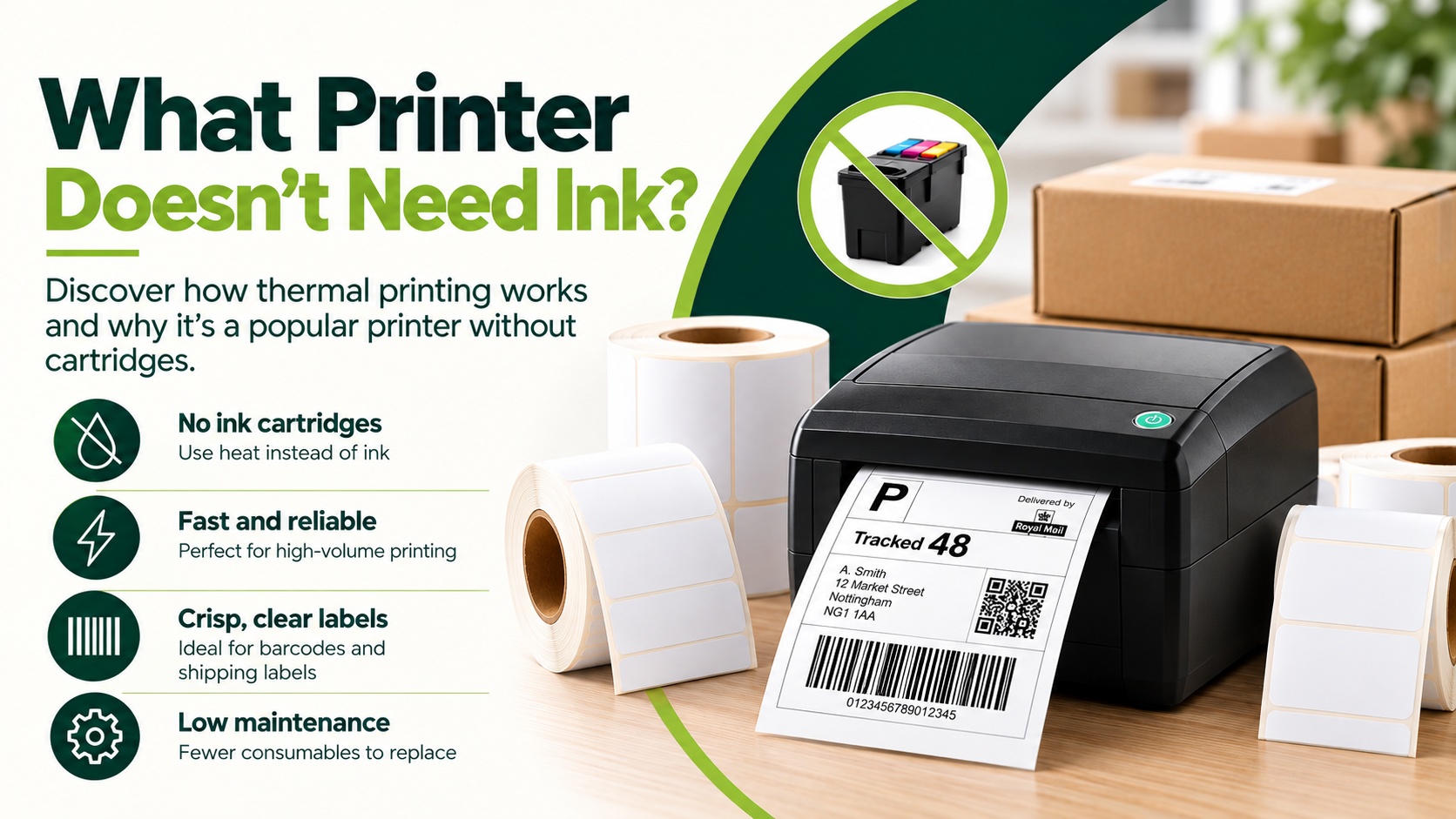
Are you looking for a printer that doesn’t require the use of ink? Well, a thermal printer could be the answer. Thermal printers don’t use ink, as they are printers without cartridges. They don’t create an image like traditional inkjet printers; instead, they use heat to print text, numbers and…
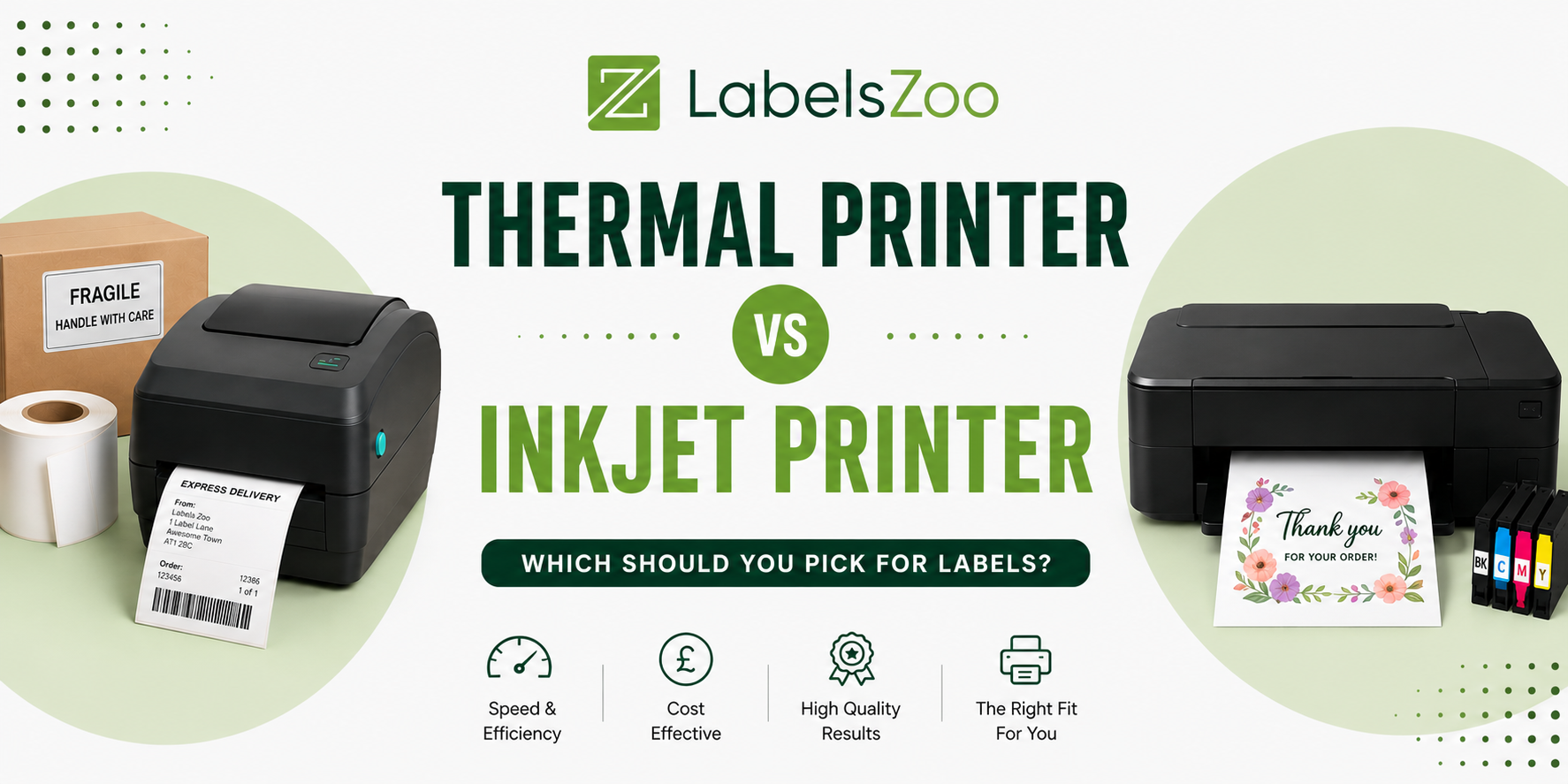
Choosing the right printer can be overwhelming, especially when there is so much choice out there, especially when it comes to printing labels. However, making the right choice is what can make the biggest difference in cost, overall print quality and efficiency. Two common options for printing labels are thermal…
When selling on Amazon, it is important to understand that before sending your Amazon parcels, you must ensure that the Amazon labels used with Amazon Shipping are accurately printed. This helps to avoid any delays or issues. There are two different types of labels that Amazon accept, these are thermal…