
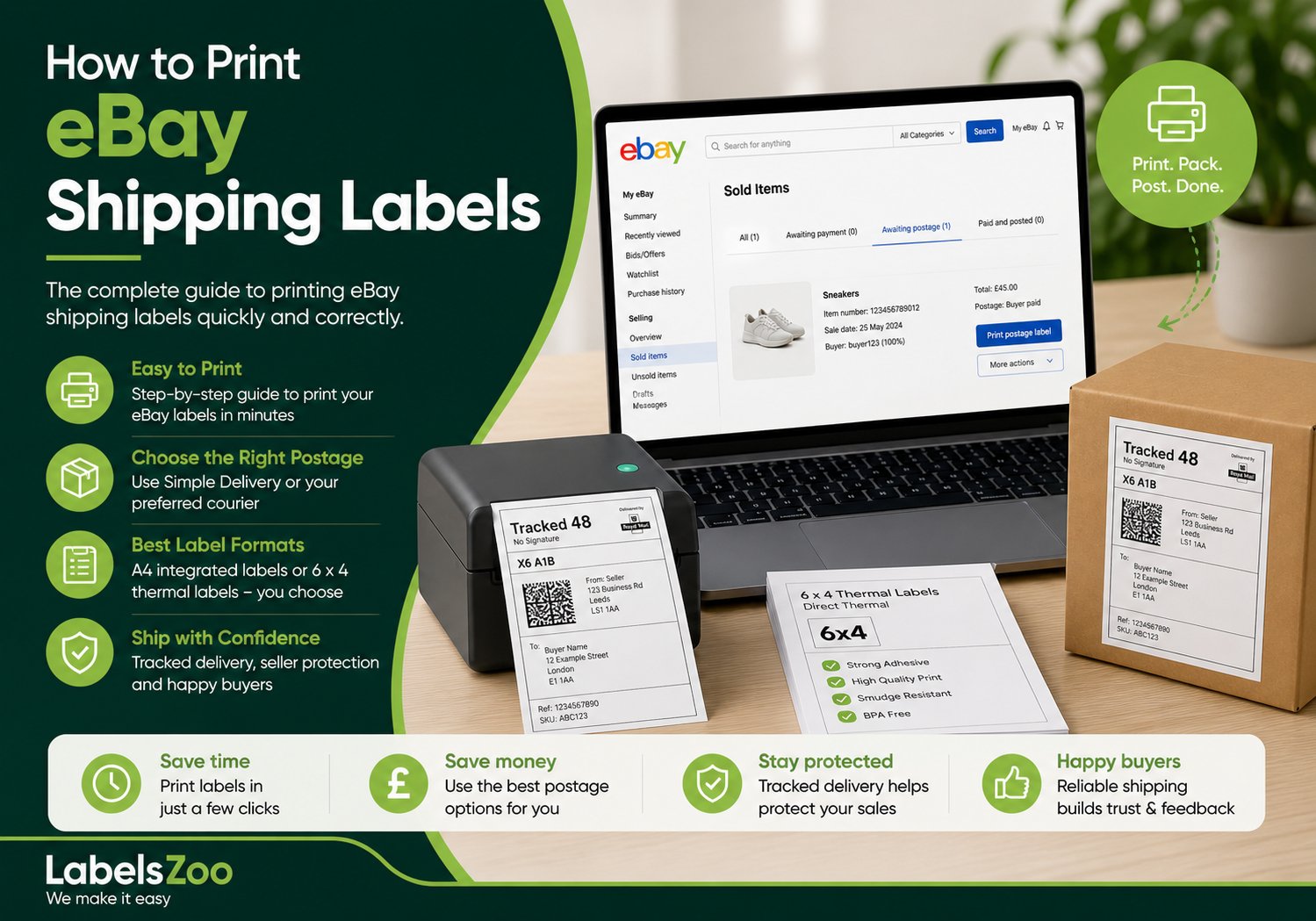
eBay is one of the most popular online marketplaces, used by individuals and businesses to sell products through auctions or fixed-price listings. Once an item sells, it’s the seller’s responsibility to ensure smooth, reliable shipping – something that plays a huge role in maintaining positive feedback and repeat customers.
In this guide, we’ll walk through exactly how to print eBay shipping labels, how to choose the right postage option, the best label formats to use, and what to do once your orders are ready to ship.
Choosing the Right Postage for Your Listings
As a seller, you have full control over how your items are shipped. This includes:
- Which courier you use
- Whether you offer free postage or charge the buyer
- The delivery speed and service level
One of the most commonly used options is eBay Simple Delivery.
This is an all-in-one shipping solution for eligible UK sellers, designed to simplify the fulfilment process. Instead of manually entering parcel dimensions and comparing courier prices, eBay automatically assigns delivery options based on the item.
With Simple Delivery:
- Labels are prepaid and tracked
- Couriers are typically Royal Mail or Evri
- Costs are based on weight categories
- Tracking is uploaded automatically
This not only saves time but also improves seller protection, as tracked delivery helps cover you in cases of missing parcels or disputes.
If you prefer more control, you can still choose your own couriers and services within your Postage Preferences in your eBay account.
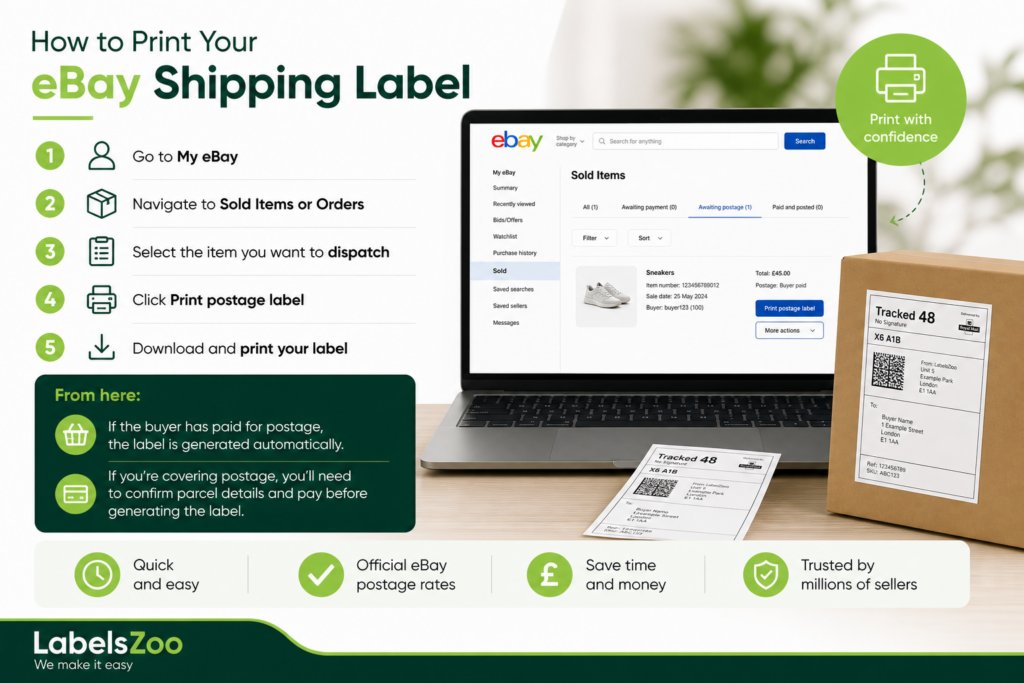
How to Print Your eBay Shipping Label
Once your item has sold, printing your shipping label is straightforward.
- Go to My eBay
- Navigate to Sold Items or Orders
- Select the item you want to dispatch
- Click Print postage label
From here:
- If the buyer has paid for postage, the label is generated automatically
- If you’re covering postage, you’ll need to confirm parcel details and pay before generating the label
You’ll then be able to download and print your label immediately.
Label Formats: What Are Your Options?
The format you choose depends on your printer setup and how many orders you’re shipping.
The two most common formats are:
A4 Integrated Labels
These are ideal for standard inkjet or laser printers.
They come as A4 sheets with a peel-off label section, often alongside space for packing slips or order details.
A4 labels are:
- Easy to use with existing printers
- Cost-effective for low volumes
- Ideal for occasional sellers
6 x 4 Thermal Labels
For higher-volume sellers, 6 x 4 labels are the industry standard.
These are used with thermal label printers, which print using heat rather than ink.
Thermal labels are:
- Faster to print in bulk
- More consistent in quality
- More cost-effective over time (no ink or toner required)
If you’re shipping daily or scaling your eBay business, this setup quickly becomes the more efficient option.
Do You Need a Label Printer for eBay?
No, but it depends on your volume.
If you’re only shipping a few items a week, a standard printer with A4 labels will do the job perfectly well.
However, if you’re regularly dispatching multiple orders per day, investing in a thermal label printer can:
- Speed up your fulfilment process
- Reduce printing costs
- Improve efficiency and consistency
Popular, reliable options include brands like Zebra and Citizen, which are widely used by e-commerce sellers.
Don’t Want to Print Labels at Home?
If you don’t have access to a printer, eBay also offers a convenient alternative.
You can generate a QR code instead of a label and take your parcel to a local drop-off point. The courier will scan the code, print the label for you and attach it to your parcel.
This is a great option for:
- New or occasional sellers
- Anyone without a printer
- Sellers looking for a quick, low-effort solution
Dispatching Your Item
Once your label is printed and attached securely to your parcel, you have two main options:
- Drop your parcel off at a local Post Office or courier drop-off point
- Arrange a collection from your home or workplace
After the parcel is handed over, it will be scanned into the courier network (typically Royal Mail or Evri), and tracking will begin updating automatically.
Your buyer can follow the delivery progress in real time, which helps build trust and reduces “where is my order?” queries.
When Do You Get Paid on eBay?
eBay manages payments directly through its platform.
In most cases:
- Funds are released within a few days of confirming dispatch
- Tracking and timely shipping help avoid delays
- New sellers may experience slightly longer holding periods
Maintaining fast dispatch times and accurate tracking is key to keeping your cash flow consistent.
Final Thoughts
Printing eBay shipping labels is a simple process, but choosing the right setup can make a big difference to your efficiency as you grow.
Whether you’re a casual seller or running a high-volume operation, the right combination of postage options, label formats, and printing setup will help you:
- Save time on fulfilment
- Reduce operational costs
- Deliver a better customer experience
As your business scales, switching to thermal labels is often the natural next step.
Ready to Stock Up on Shipping Labels?
At Labels Zoo, we supply high-quality 6 x 4 direct thermal labels and A4 integrated label sheets that are fully compatible with eBay shipping.
Whether you’re shipping a handful of items or managing high daily volumes, our labels are designed to:
- Print cleanly and consistently
- Work seamlessly with your printer
- Keep your fulfilment process fast and reliable
Browse our range of eBay-compatible labels today and streamline your eBay shipping.
02/10/2026
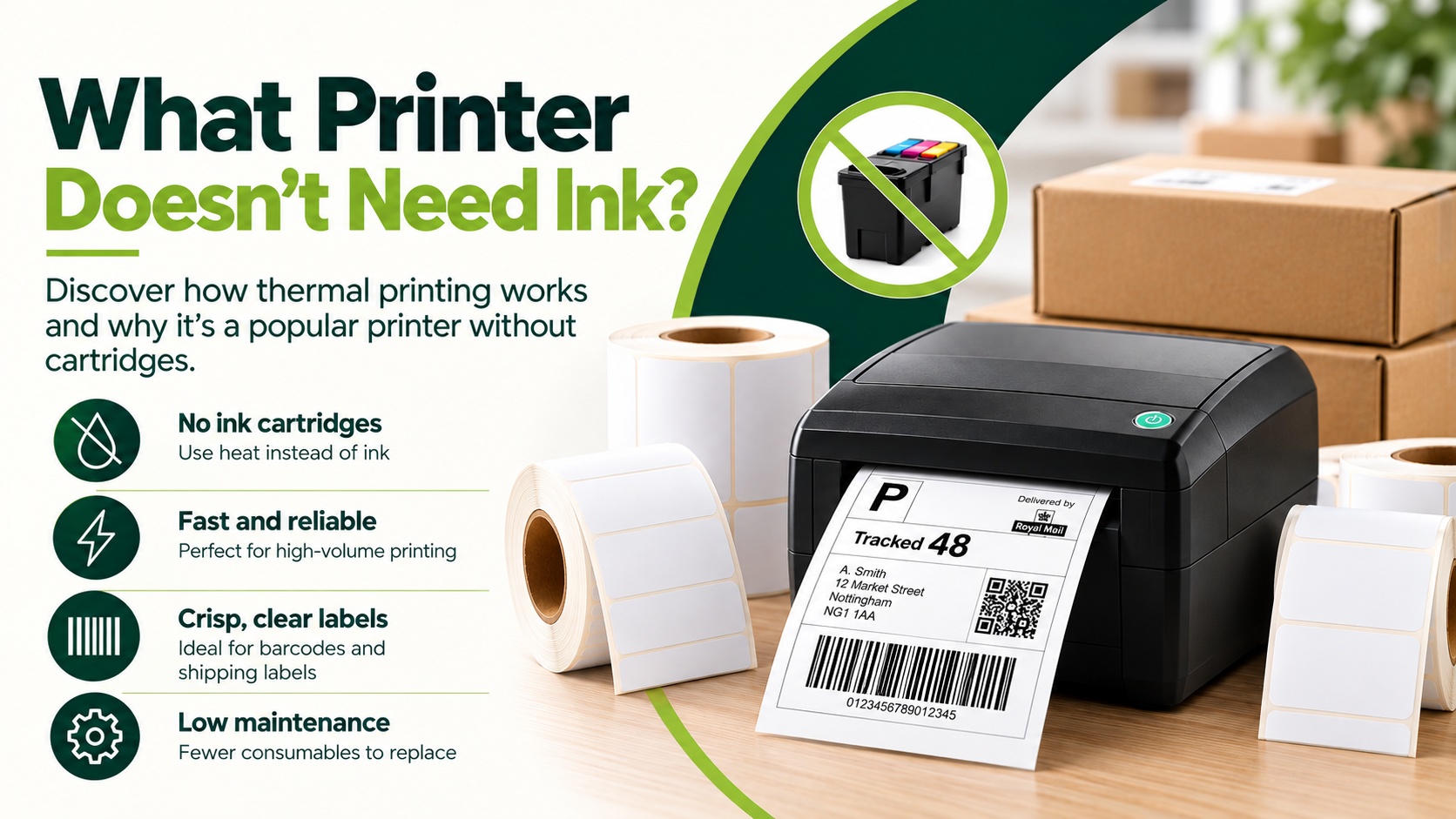
What Printer Doesn’t Need Ink?
Are you looking for a printer that doesn’t require the use of ink? Well, a thermal printer could be the answer. Thermal printers don’t use ink, as they are printers without cartridges. They don’t create an image like traditional inkjet printers; instead, they use heat to print text, numbers and…
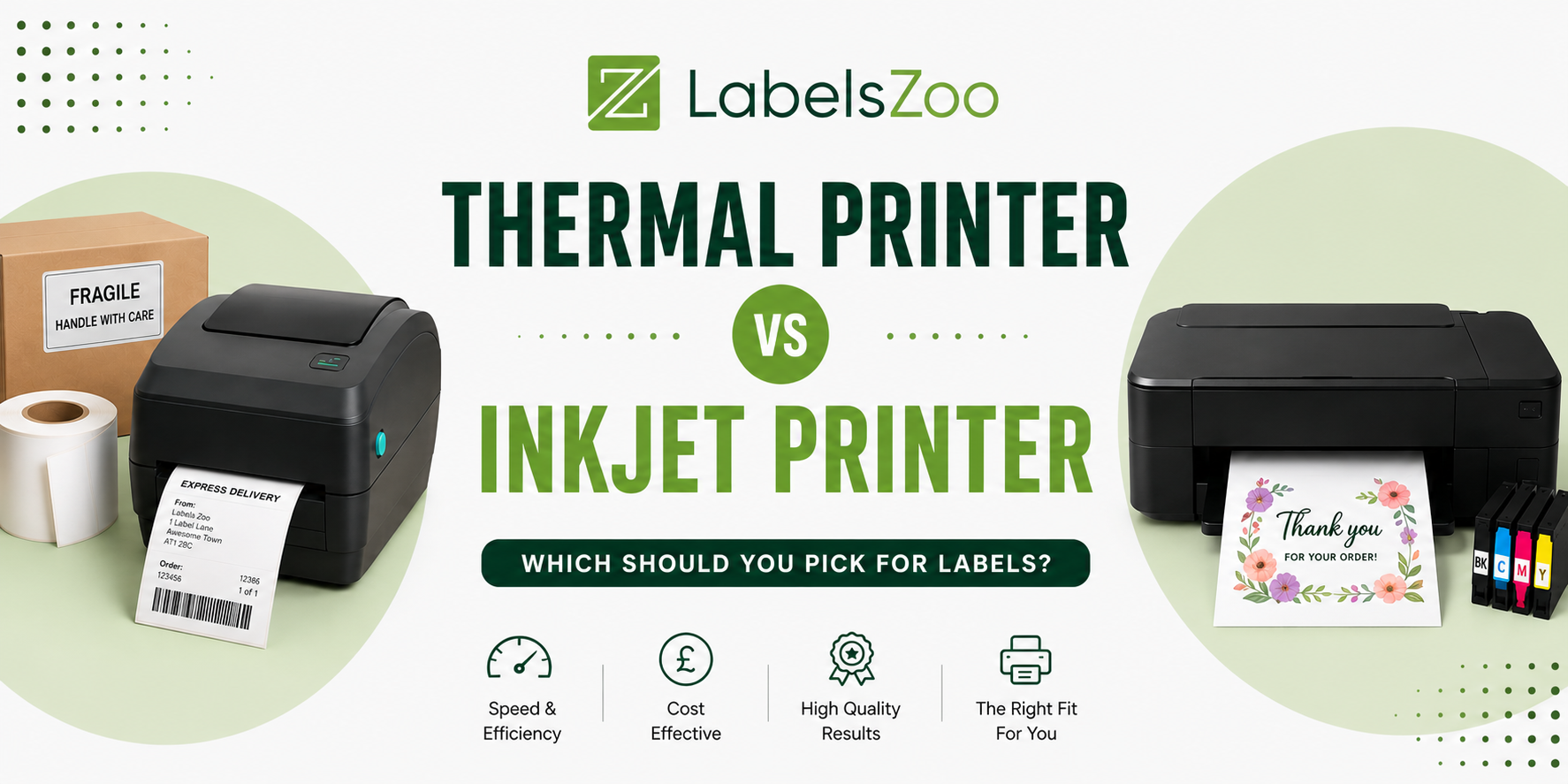
Choosing the right printer can be overwhelming, especially when there is so much choice out there, especially when it comes to printing labels. However, making the right choice is what can make the biggest difference in cost, overall print quality and efficiency. Two common options for printing labels are thermal…
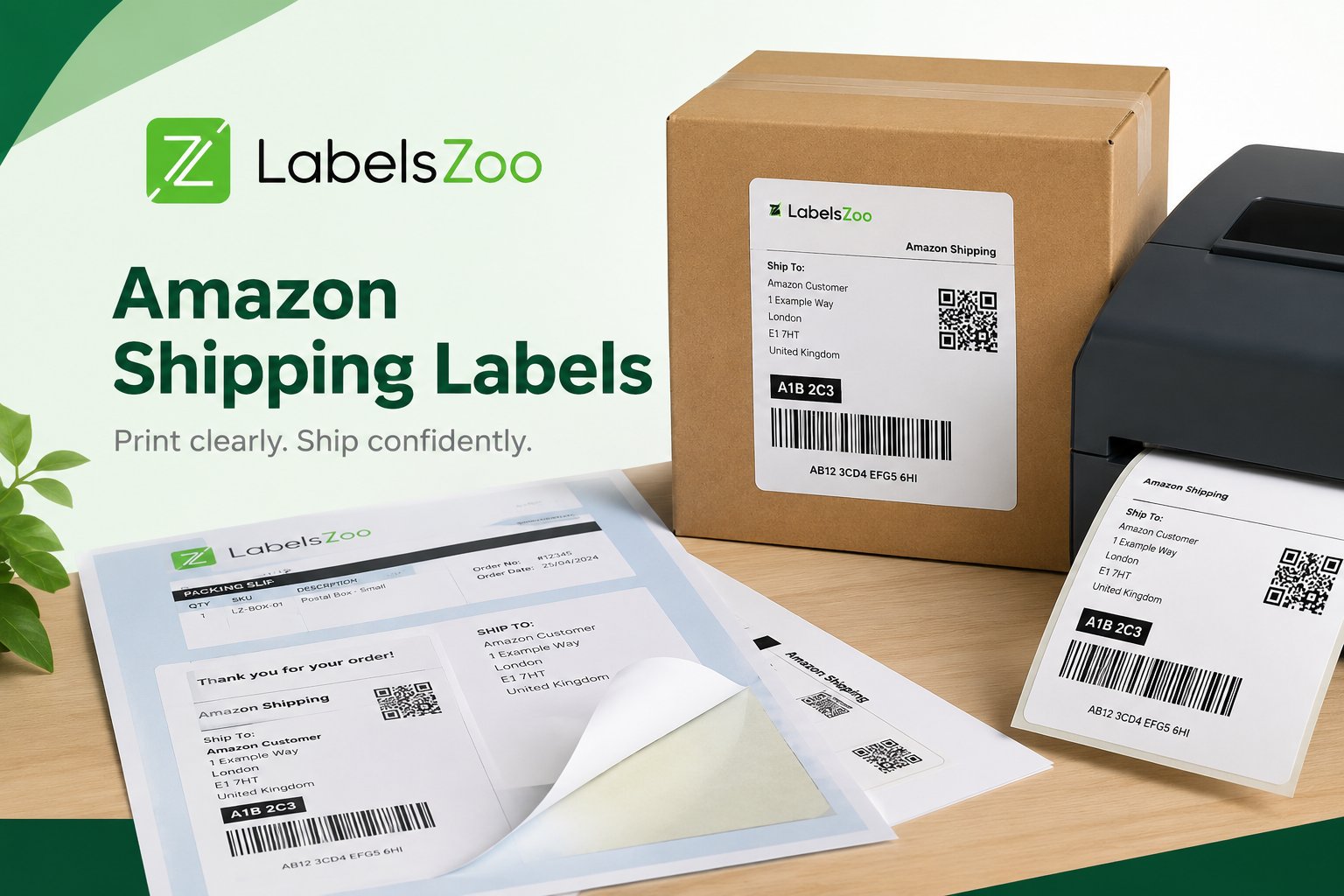
When selling on Amazon, it is important to understand that before sending your Amazon parcels, you must ensure that the Amazon labels used with Amazon Shipping are accurately printed. This helps to avoid any delays or issues. There are two different types of labels that Amazon accept, these are thermal…